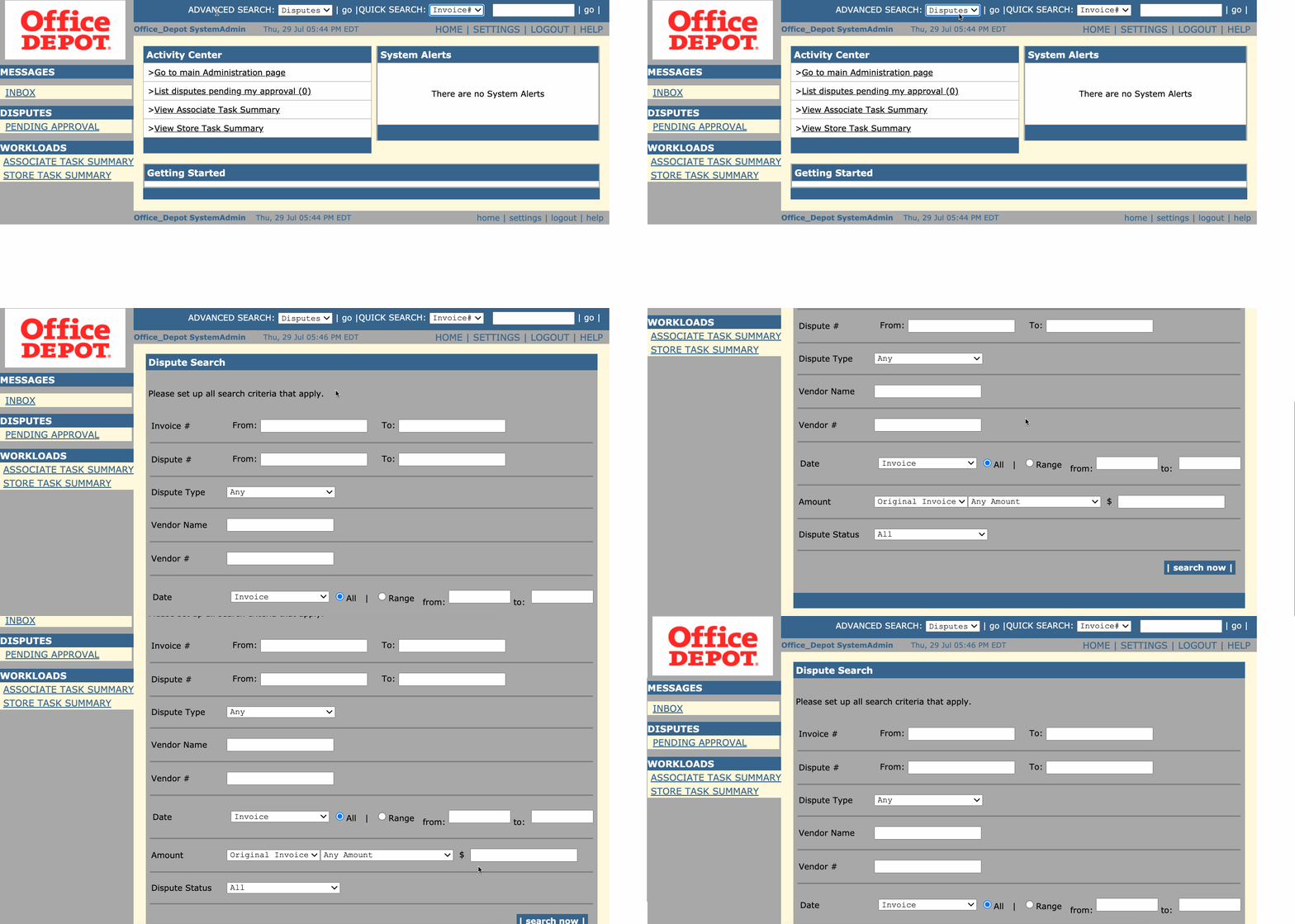
You can search for disputes using Quick Search or Advanced Search located in the Top Navigation bar of every page. Your search results are displayed in the standard dispute listing view.
Quick Search
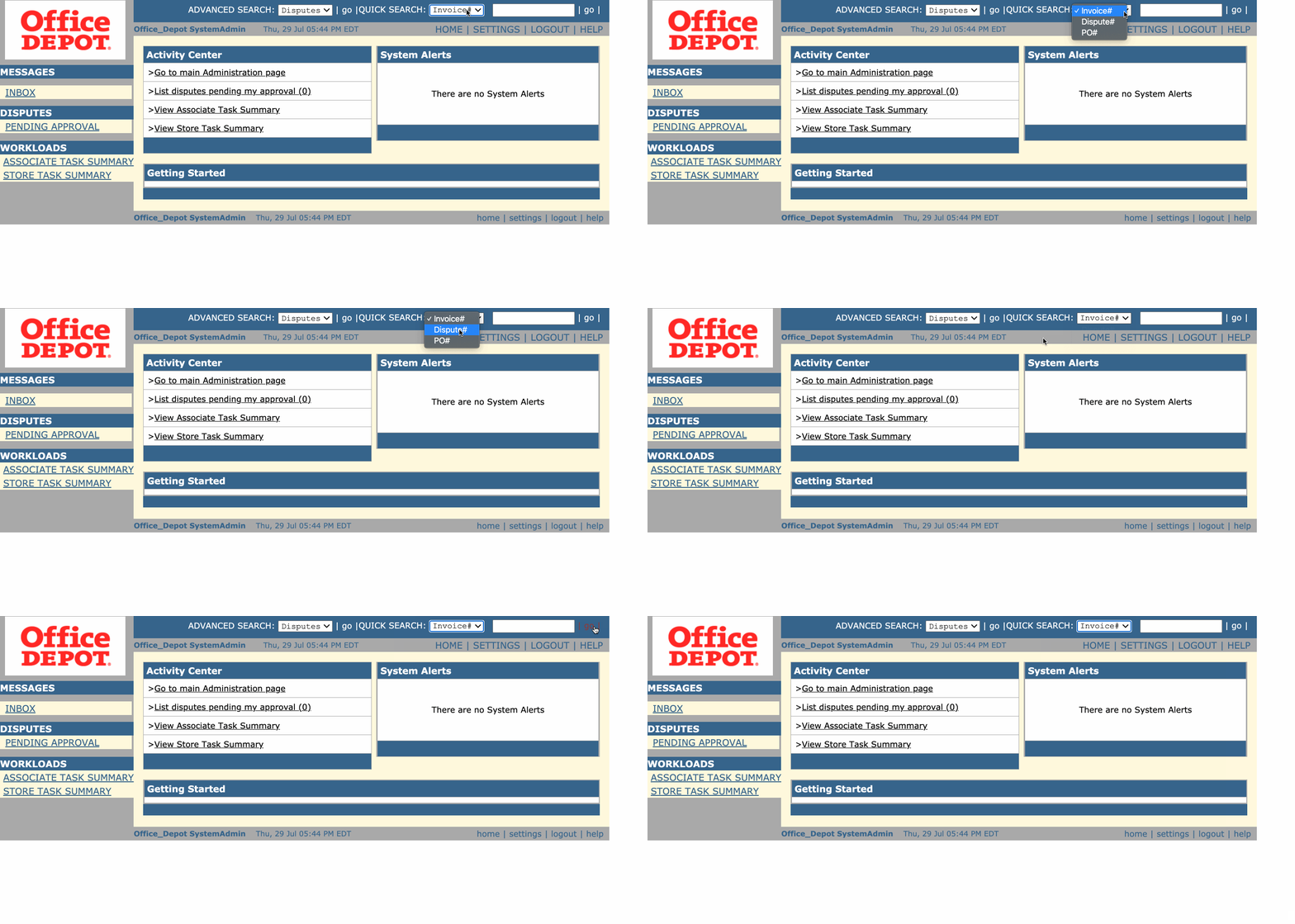
You can locate a dispute by selecting Invoice #, Dispute #, or PO # from the QUICK SEARCH dropdown and entering the complete or partial document number in the text field. The system will list either the one dispute with an exact match or multiple disputes if there is a partial match.
Advanced Search
You can search for disputes using one or more search parameters by clicking the Go button next to the ADVANCED SEARCH dropdown. The Advanced Search page allows you to enter your search criteria on key dispute fields to filter your results.